
EVERYTHING YOU NEED.
STEP BY STEP.
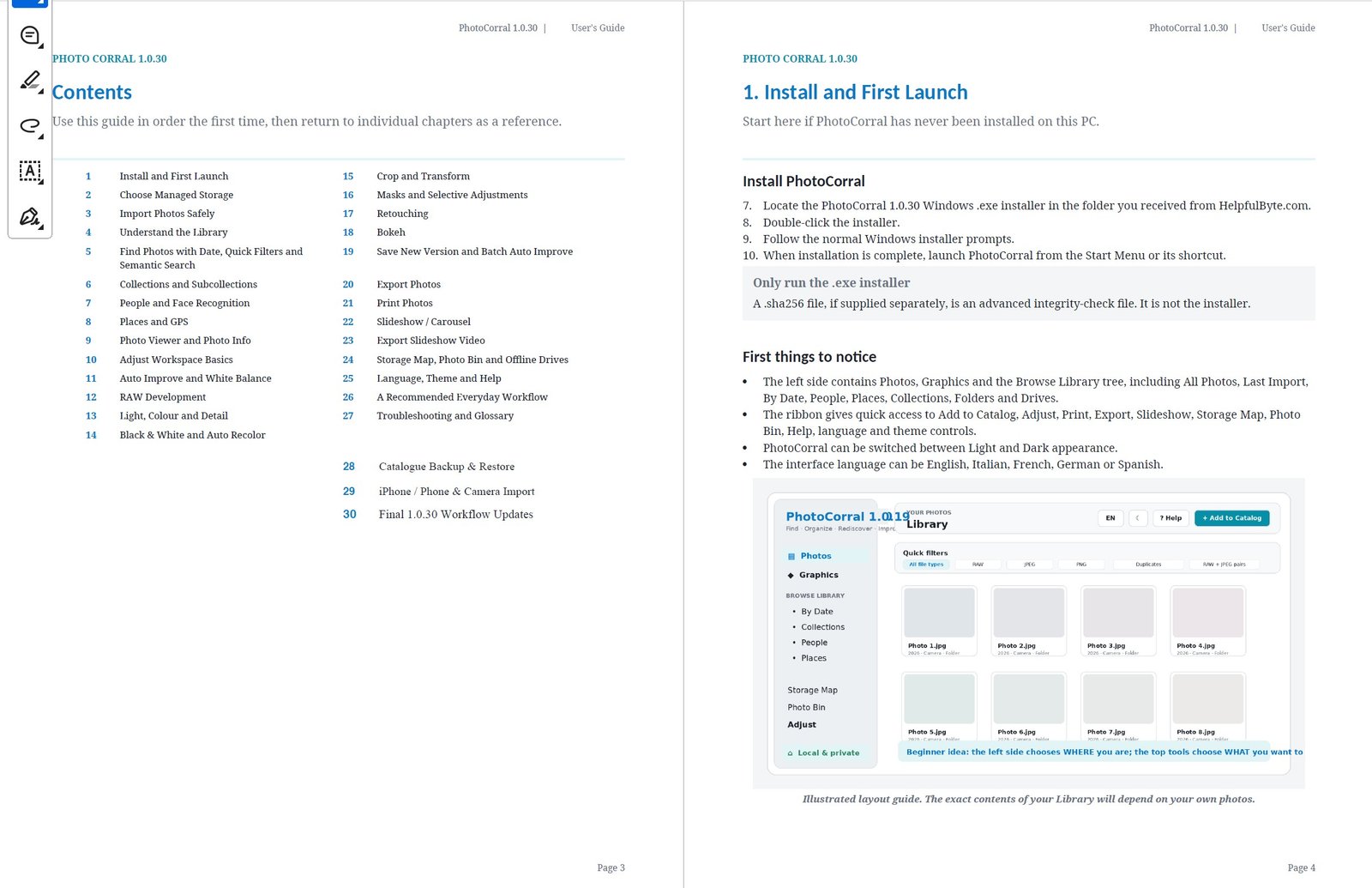
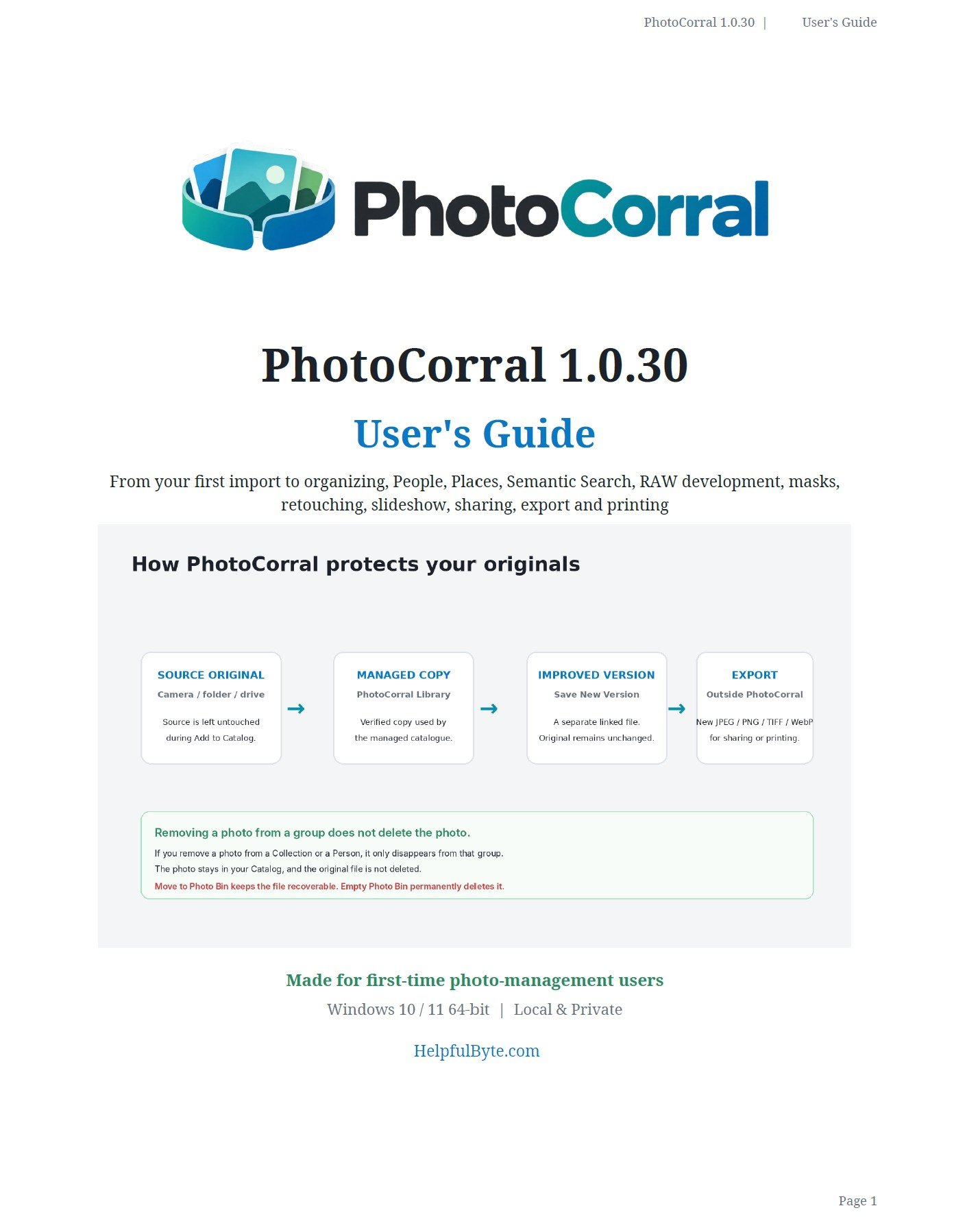
The PhotoCorral User’s Guide takes you from your first import through organisation, People, Places, Semantic Search, photo adjustment, RAW development, backup, iPhone import, export, printing and more.
OPEN IT.
KEEP IT HANDY.
The guide follows the actual PhotoCorral 1.0.30 application and its real workflows. Use it from beginning to end the first time, or jump directly to the section you need later.
Install PhotoCorral, choose managed storage and bring photographs into the catalogue safely.
Understand Photos, Graphics, Collections, Subcollections, folders, drives and chronological browsing.
Find photographs by person, location, date or visible subject with PhotoCorral’s catalogue tools.
Inspect photographs, view metadata, make manual adjustments, work with RAW files and save new versions.
Understand catalogue backup, recovery, Photo Bin and the difference between catalogue protection and photo-file backup.
Export finished photographs, print them, share them and build slideshow presentations.
The application interface supports five languages.
