
Photo Organizer for Windows
Find, Organize and Rediscover All Your Photos.
Even if you don't know where they are.
PhotoCorral is a photo organizer for Windows that brings pictures scattered across folders and drives into one easy-to-manage photo catalogue. Organize your collection by people, places and dates, search for what's in a picture, and improve your favourite photographs.

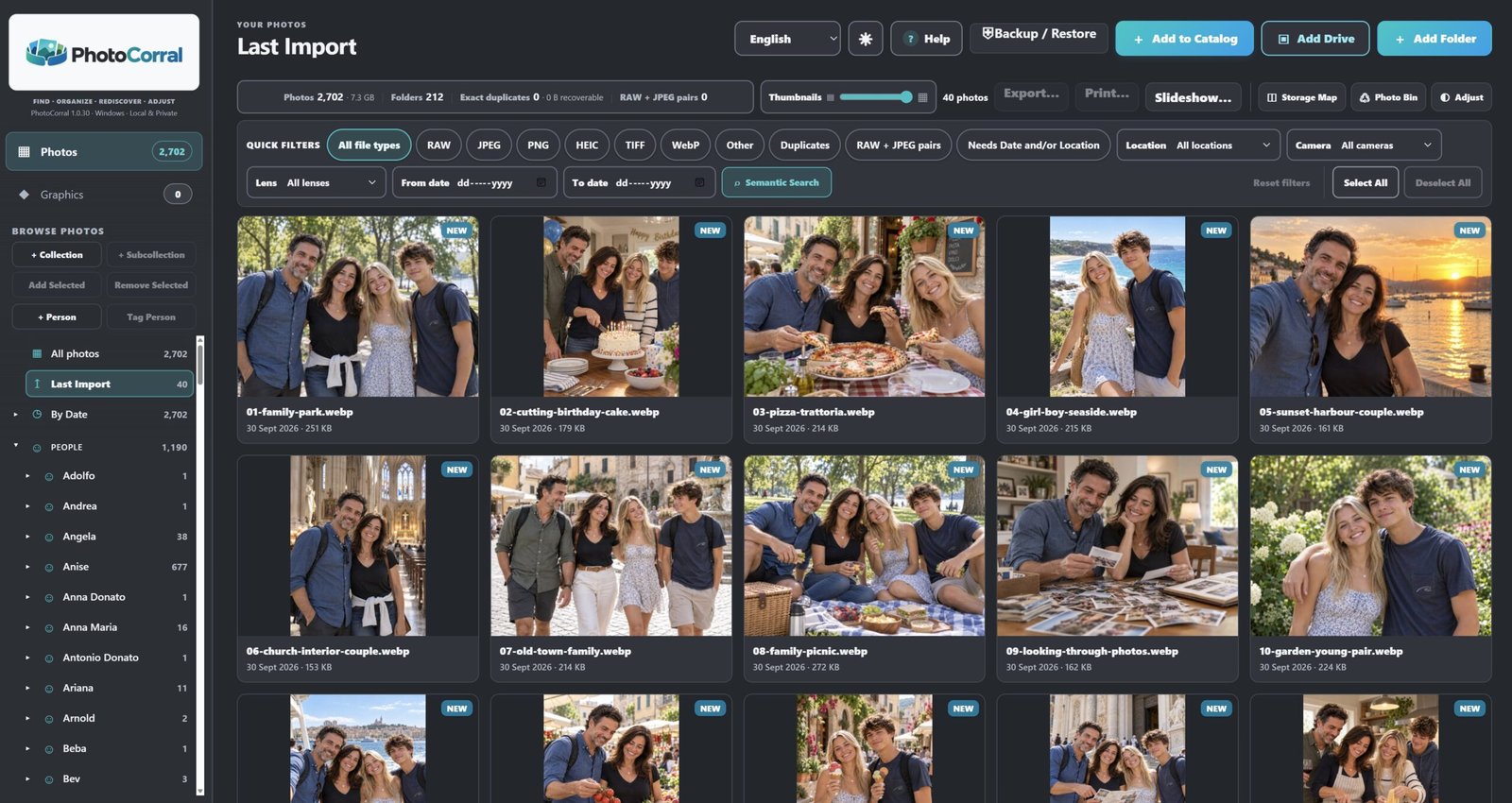
STOP HUNTING.
START FINDING.
Organise your photo collection without searching every folder.
PhotoCorral helps you organise photographs scattered across your computer and drives. Choose a folder or drive to scan, and bring supported photos into one catalogue — ready to browse, find and enjoy.
Choose a folder or drive.
Start with the location you want PhotoCorral to scan. You don't need to open folders one by one.
Let PhotoCorral find the images.
Supported files are discovered and photographs are separated from graphics automatically.
Bring them together.
Your photo collection is easier to manage in one catalogue. Browse by date, people and places without remembering folder names.




YOU REMEMBER THE PHOTO.
NOT THE FILENAME.
Think about what you remember.
A person. A place. A date. Something that was in the photograph. PhotoCorral gives you several ways to return to a photograph without remembering the folder or filename.
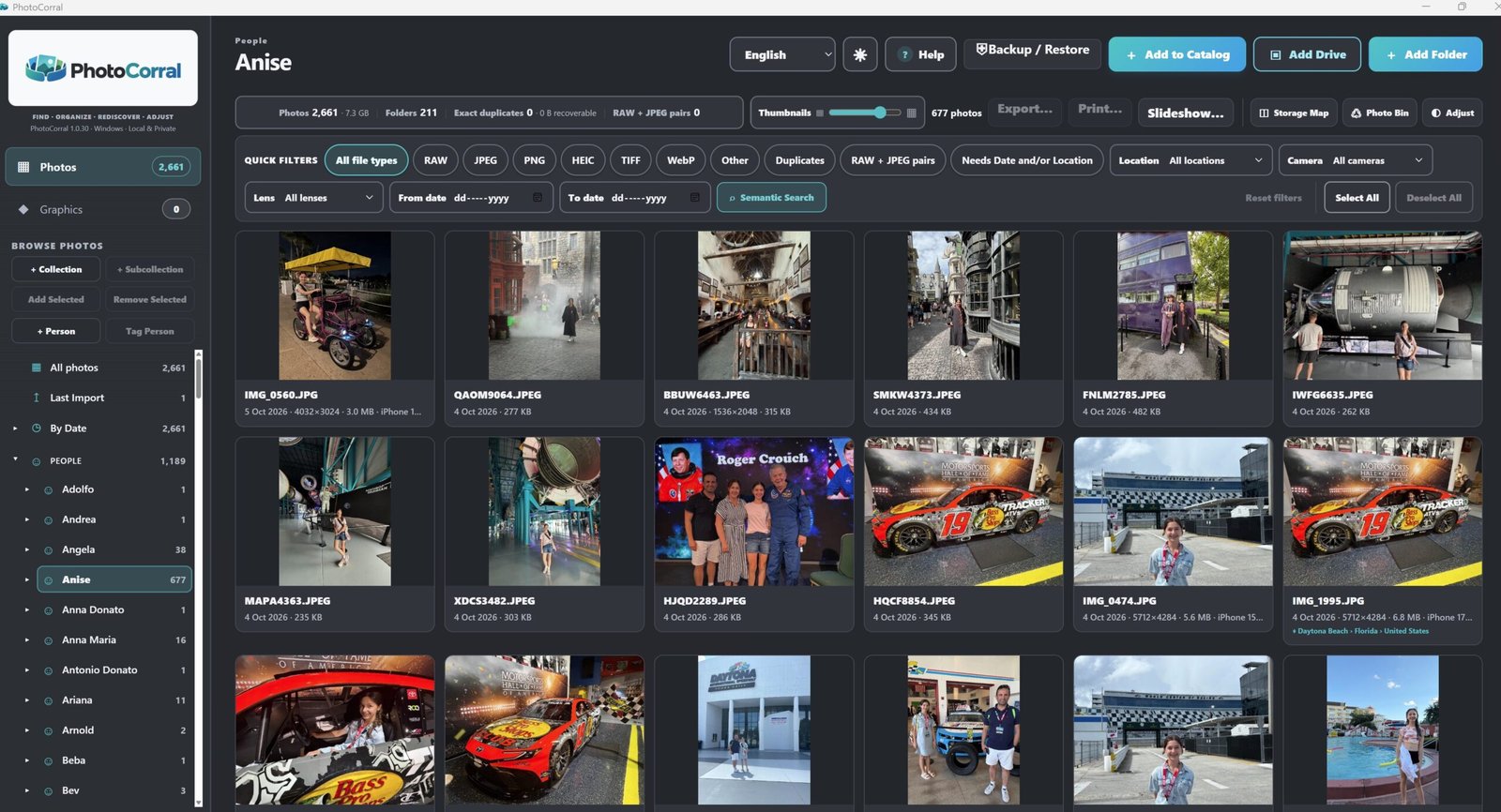
Find by People.
Return to photographs through the people you recognise and remember.
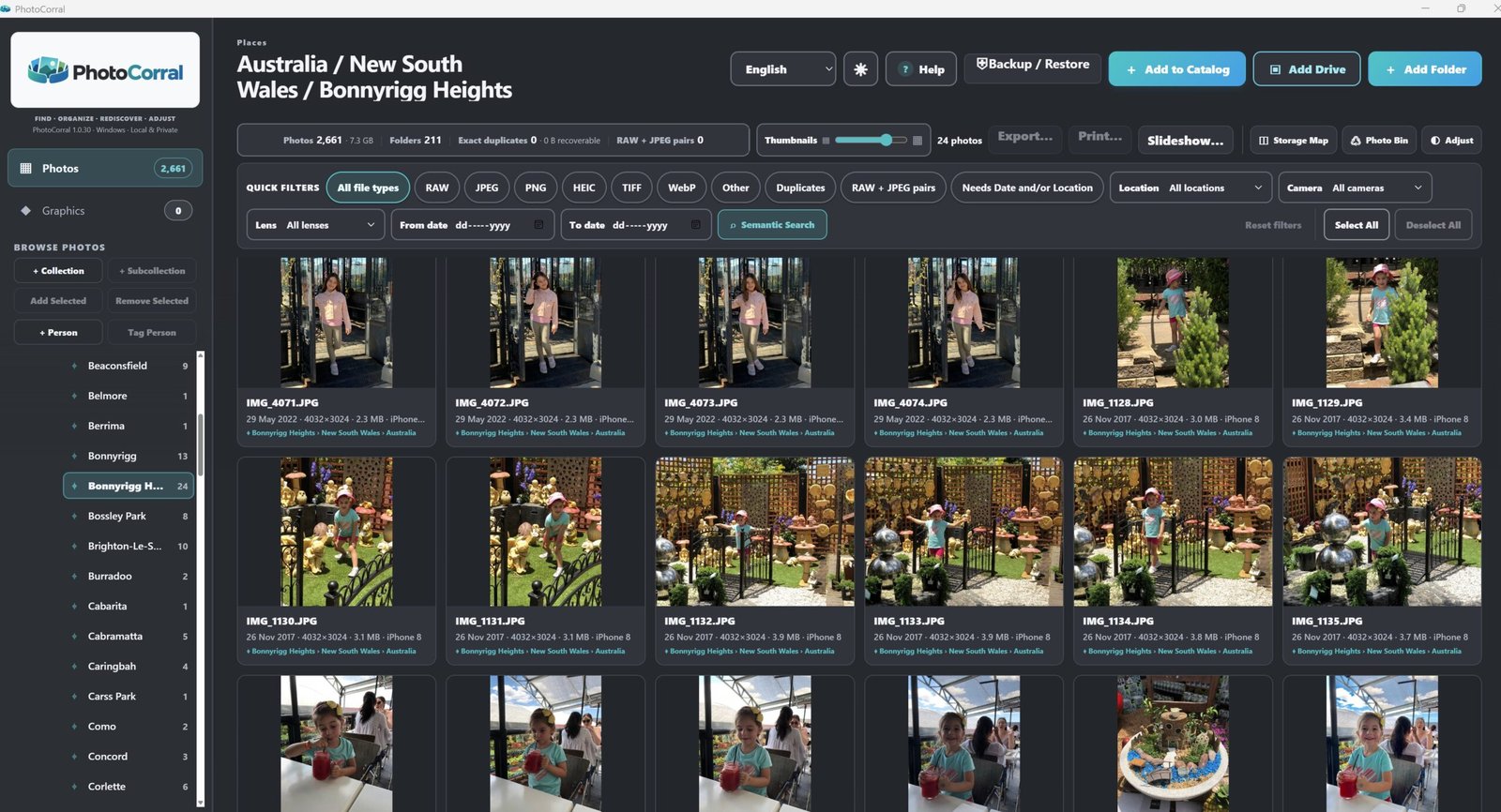
Find by Place.
Use photo location information to return to the places connected with your photographs.
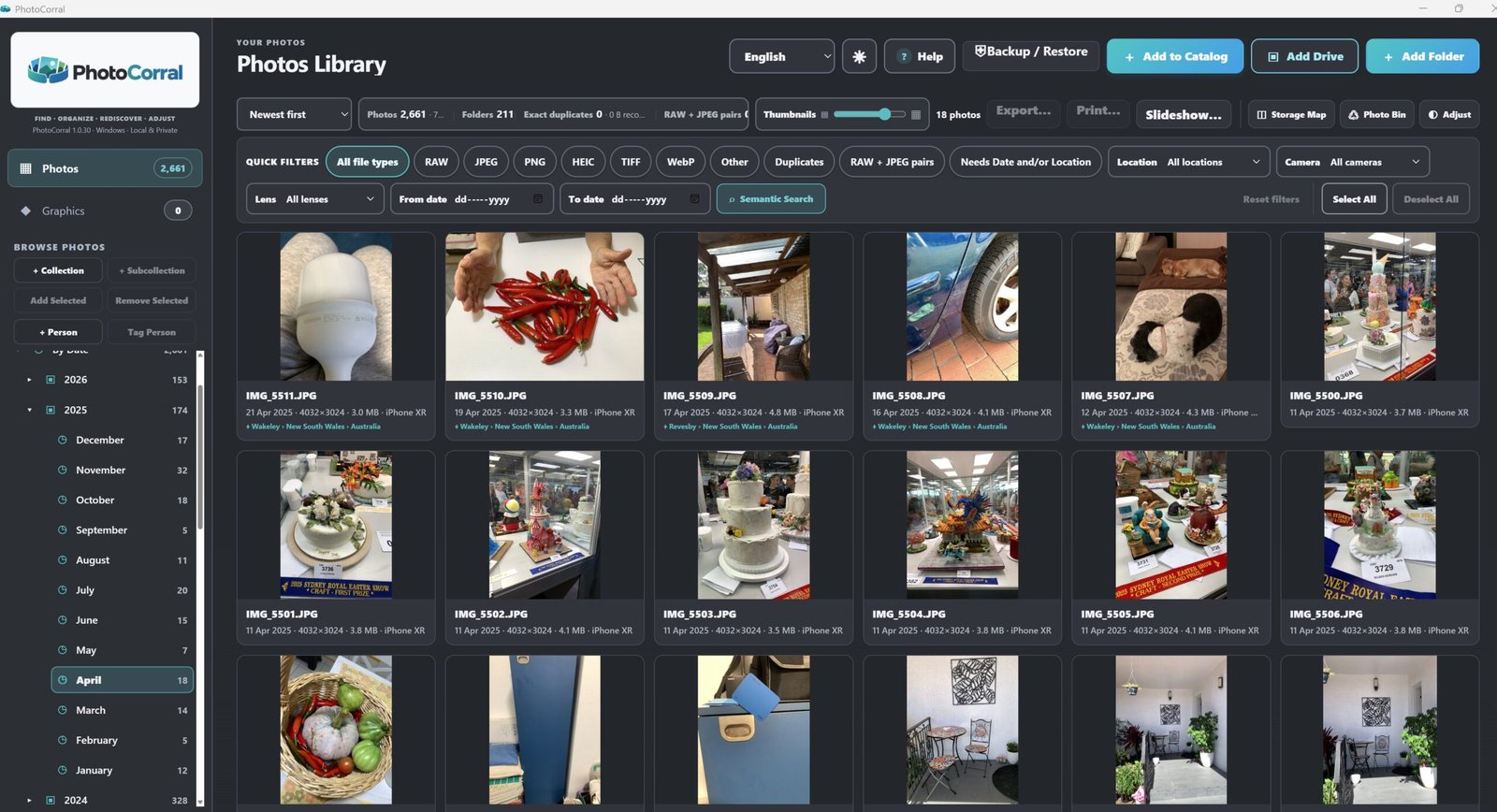
Browse by Date.
Move back through the photo library chronologically when you remember roughly when something happened.
Search by Subject.
Search for the kind of photograph you remember without needing to know its filename.
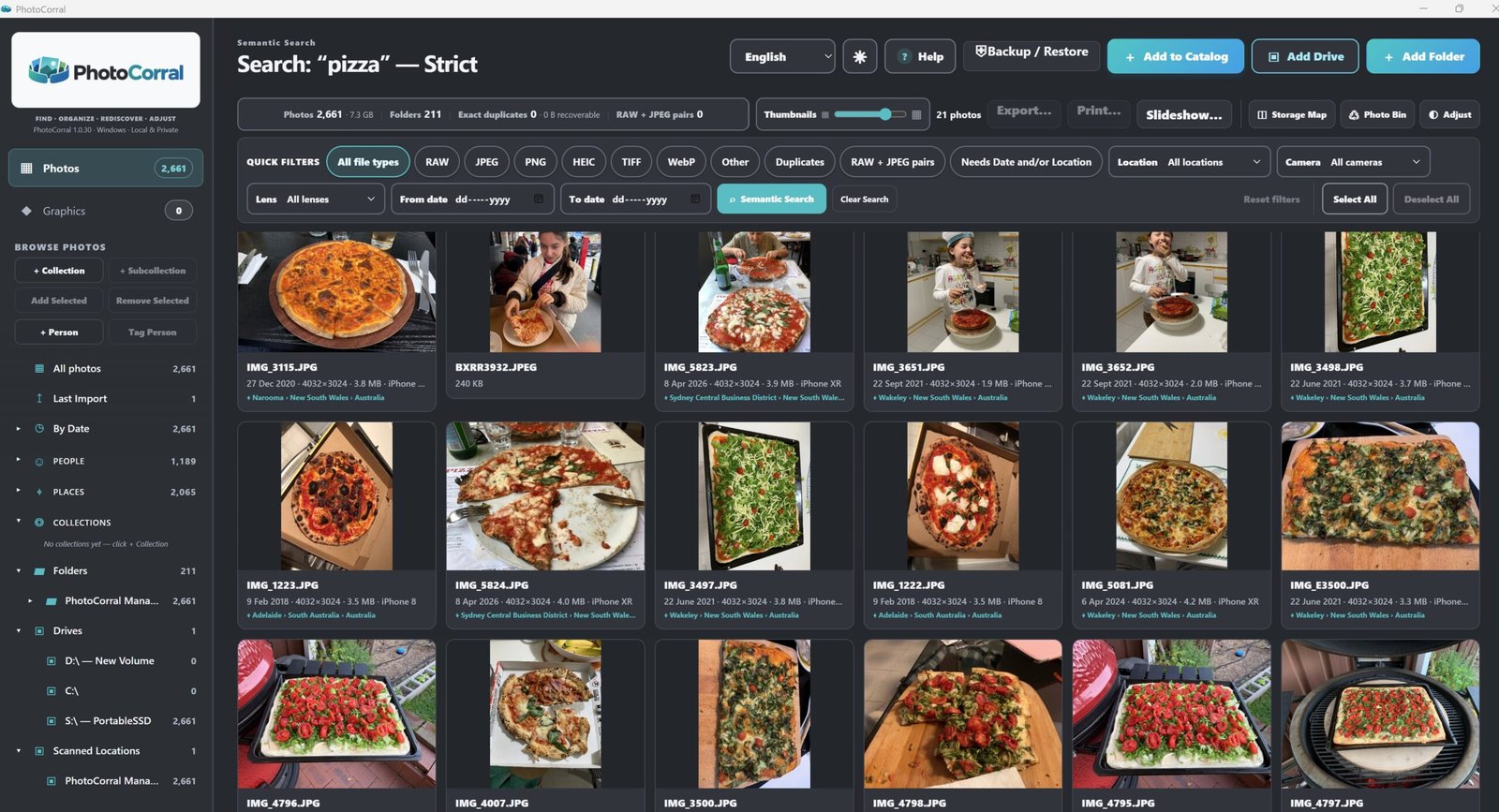
FOUND IT.
NOW LOOK AT IT.
THEN USE IT.
PhotoCorral keeps the next step close.
Open the photograph in the Viewer, check its information, adjust it when you want to, then export, print, share or turn selected photographs into a presentation.

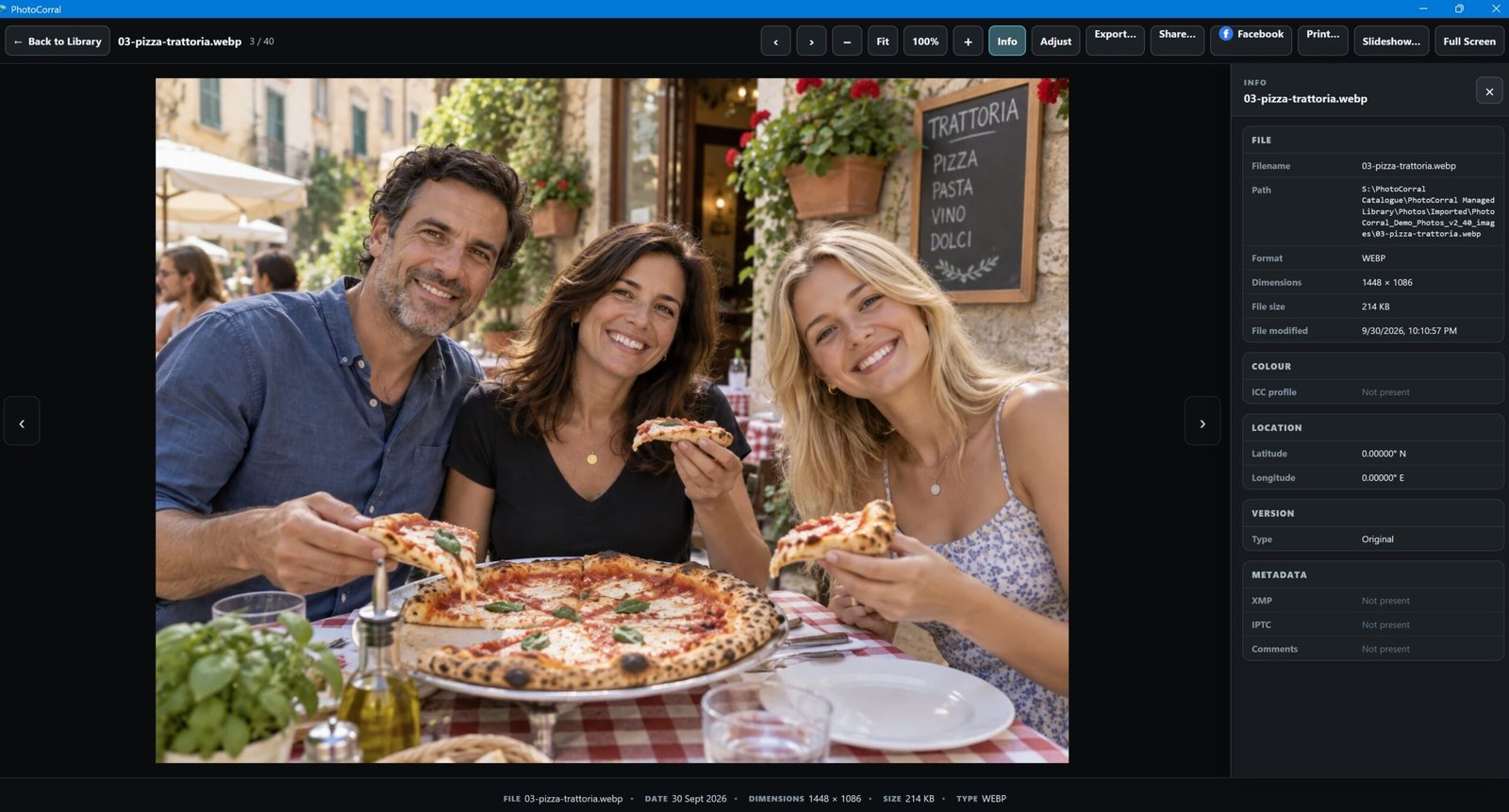
See what is behind the photograph.
View useful image information and metadata without leaving the PhotoCorral workflow.
Look properly.
Open the photograph large and move through your library without returning to folders.
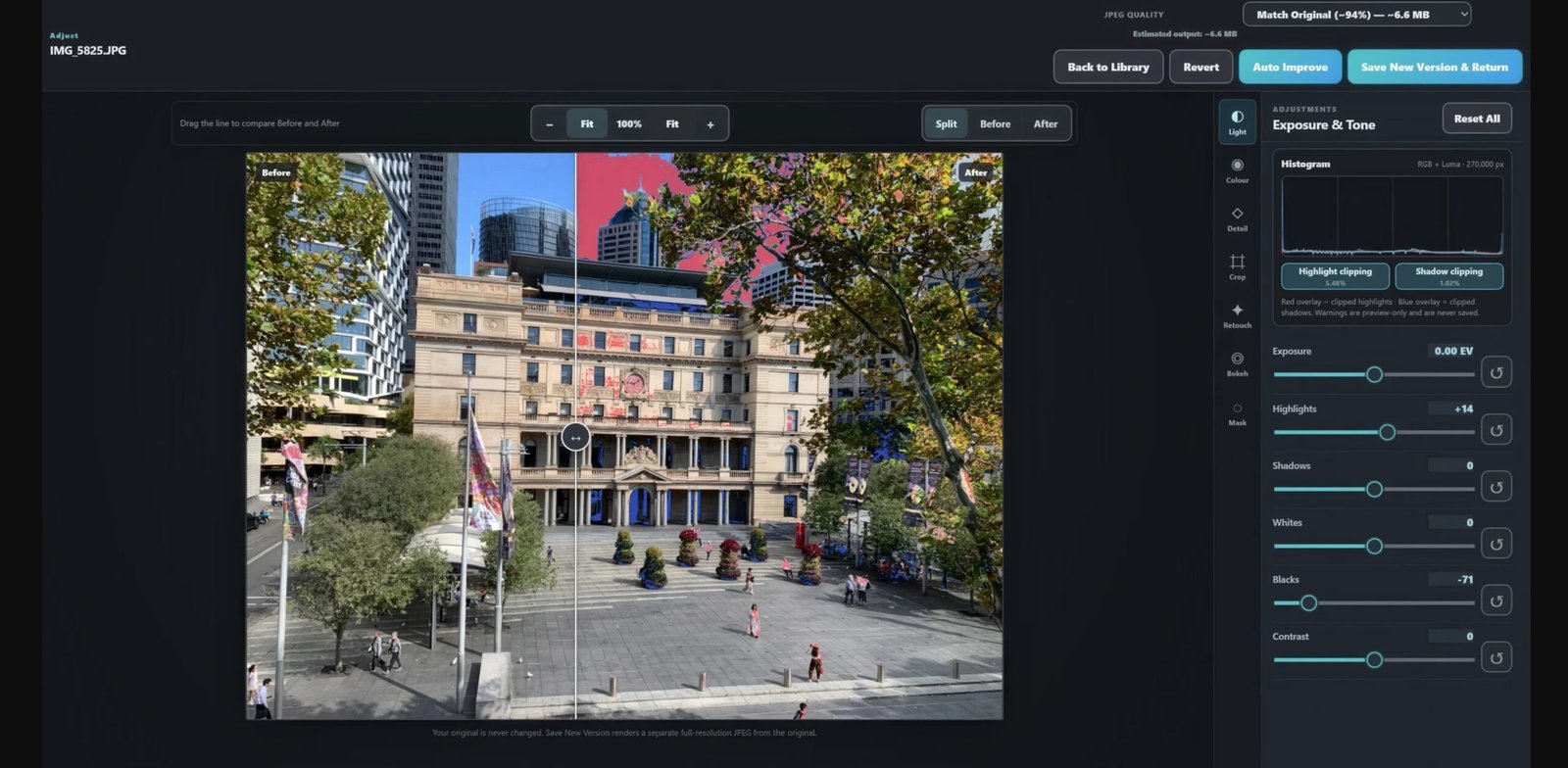
Improve when you want.
Start with Auto Adjust or use manual controls, selective masks, retouching and supported RAW development.
Take it outside PhotoCorral.
Export a copy or continue to the normal Windows printing workflow.
Put photographs back into your life.
Share selected photographs or create a slideshow or carousel from the photographs you choose.
YOUR PHOTOS.
ORGANISED.
READY TO ENJOY.
PhotoCorral brings your photo collection together so you can organise, find, view and improve your pictures in one Windows application. Whether your photos are scattered across folders, drives or years of memories, PhotoCorral helps you manage them in one catalogue.
