
02
Who?
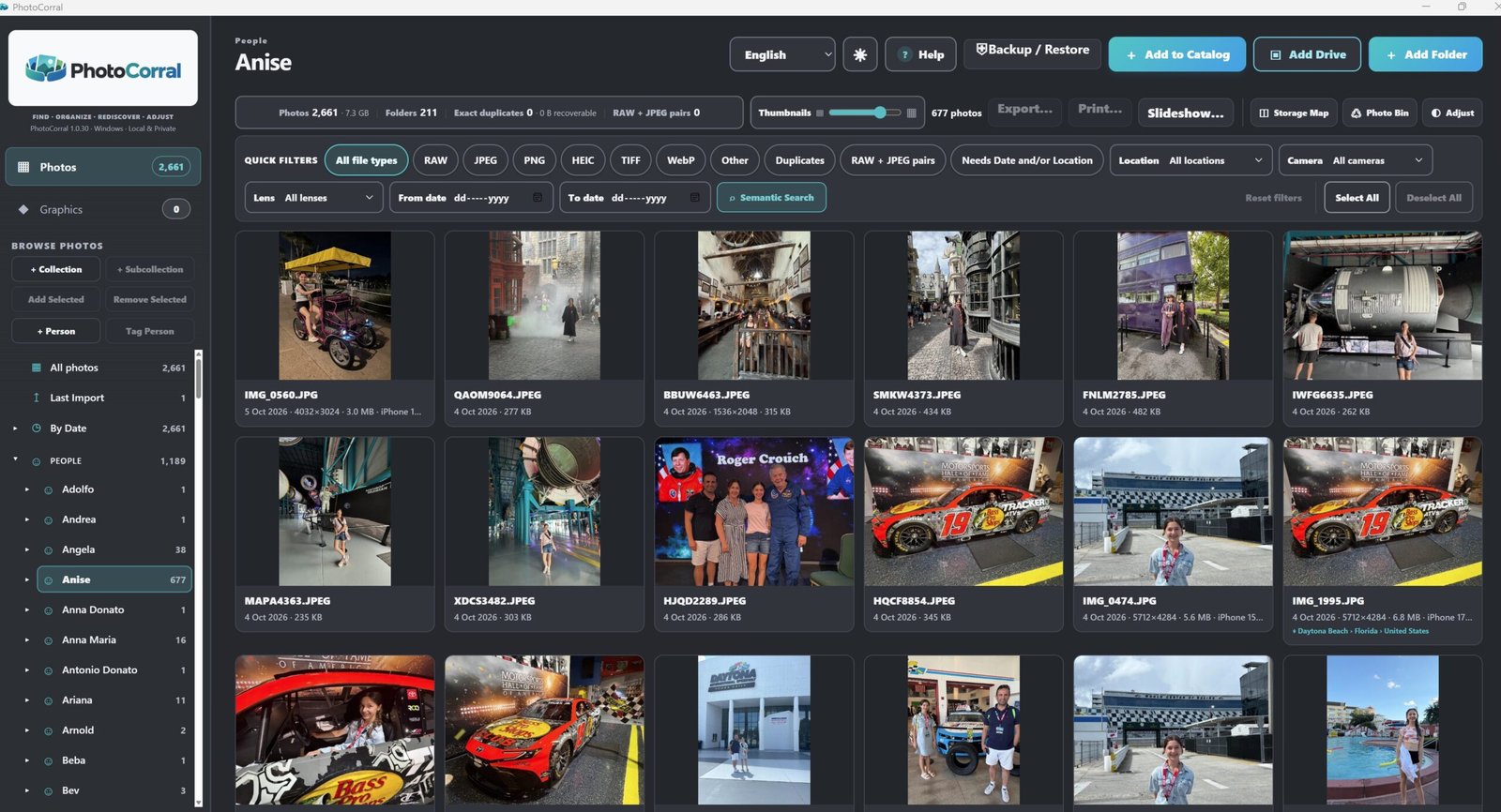
Find by People
Browse photographs around the people you remember.
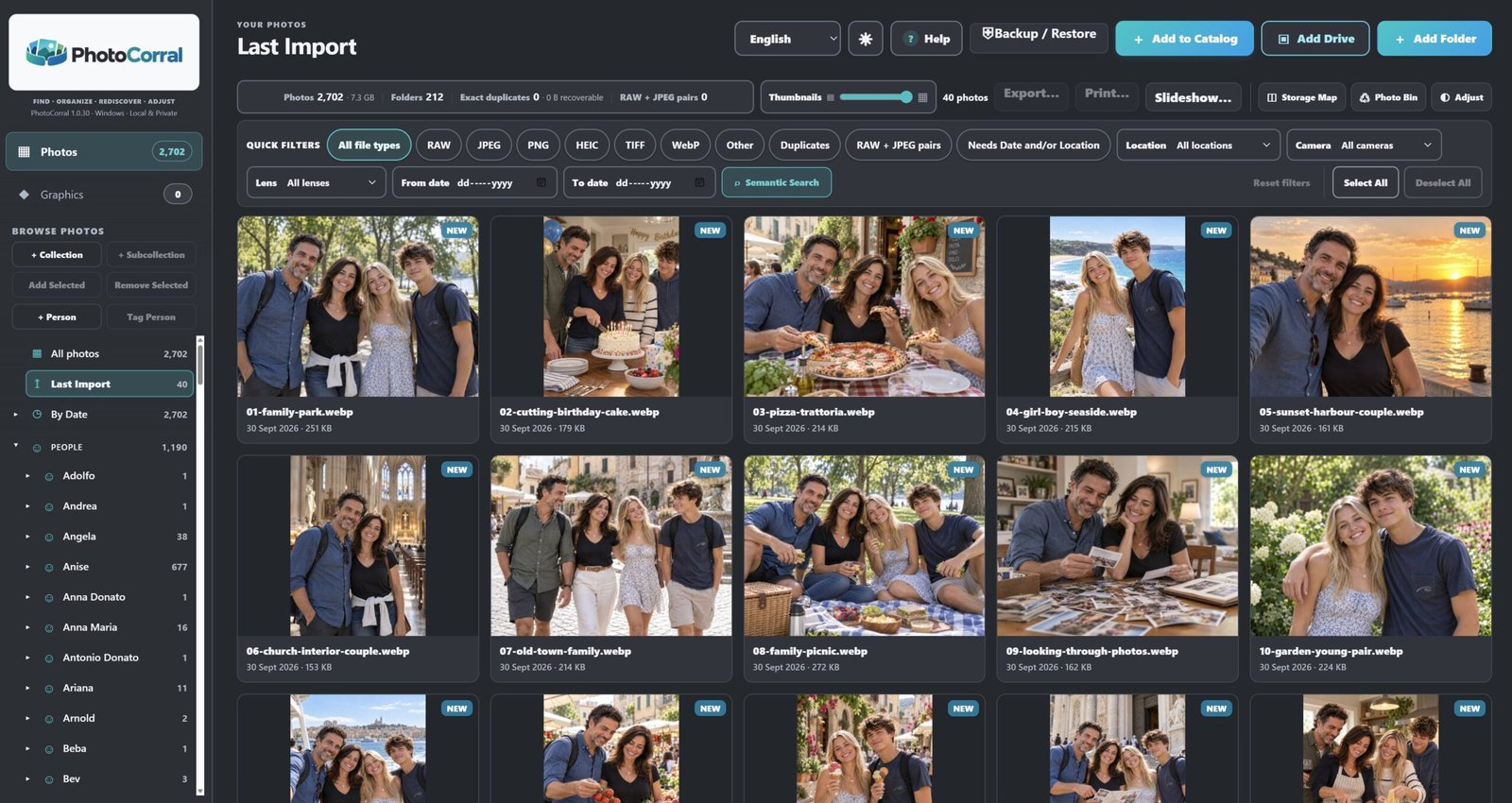
Choose a folder or an entire drive and let PhotoCorral search it for supported images. Once they are in the catalogue, you can find photographs again by who is in them, where they were taken, when they were taken or what is in the picture.
Browse photographs around the people you remember.
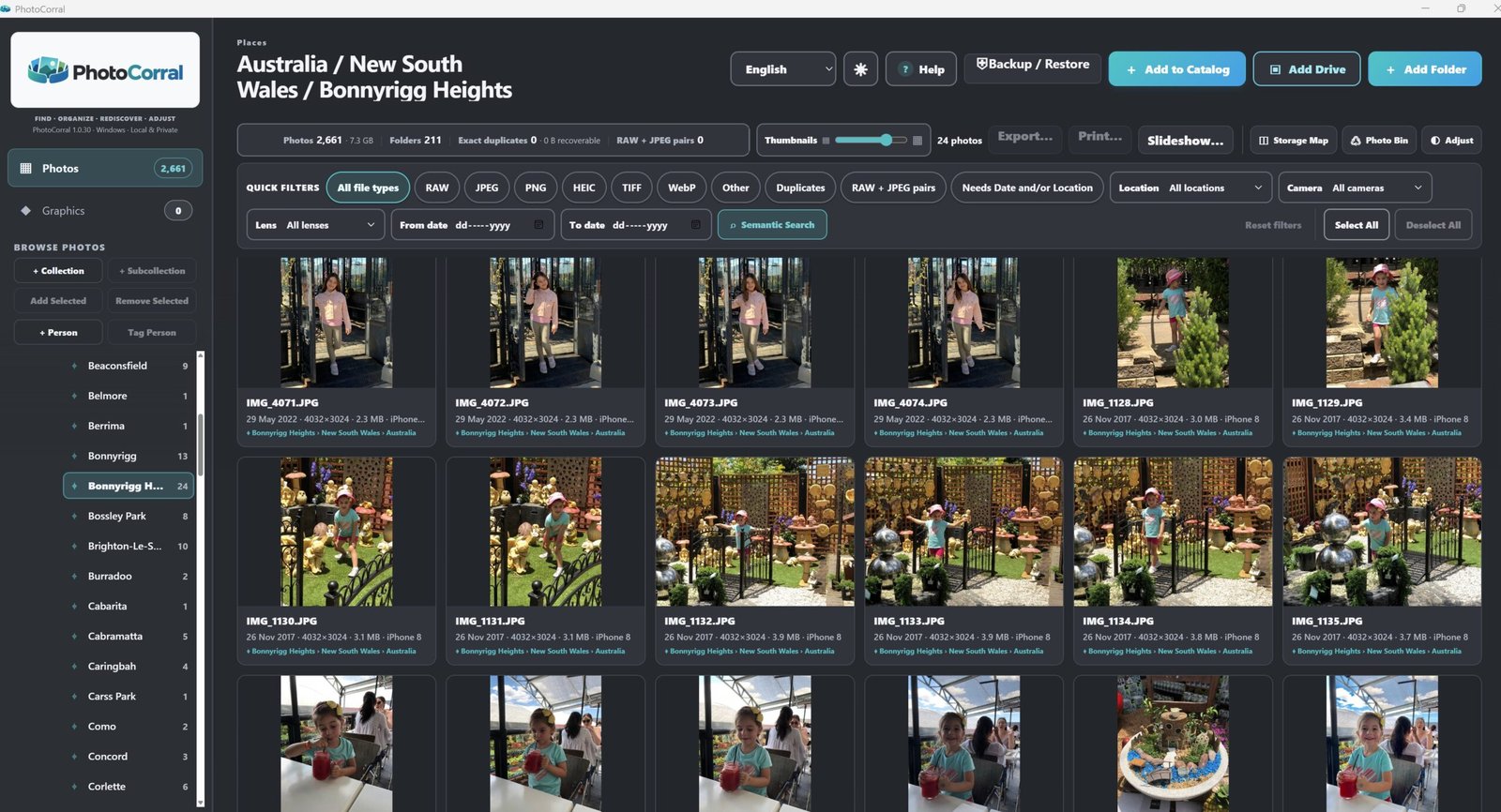
Use photo location information to return to the places you remember.
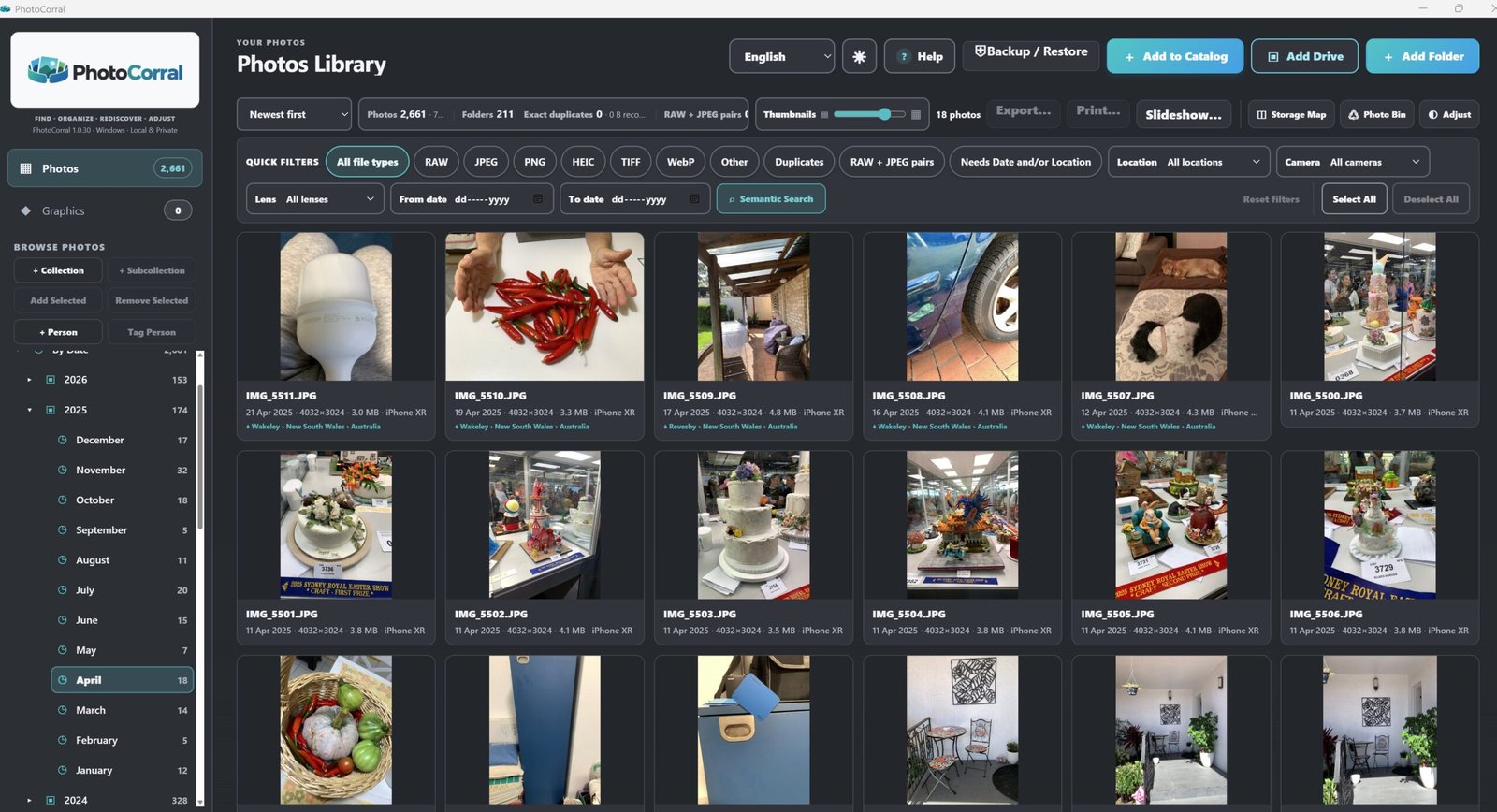
Go back through the photo library chronologically.
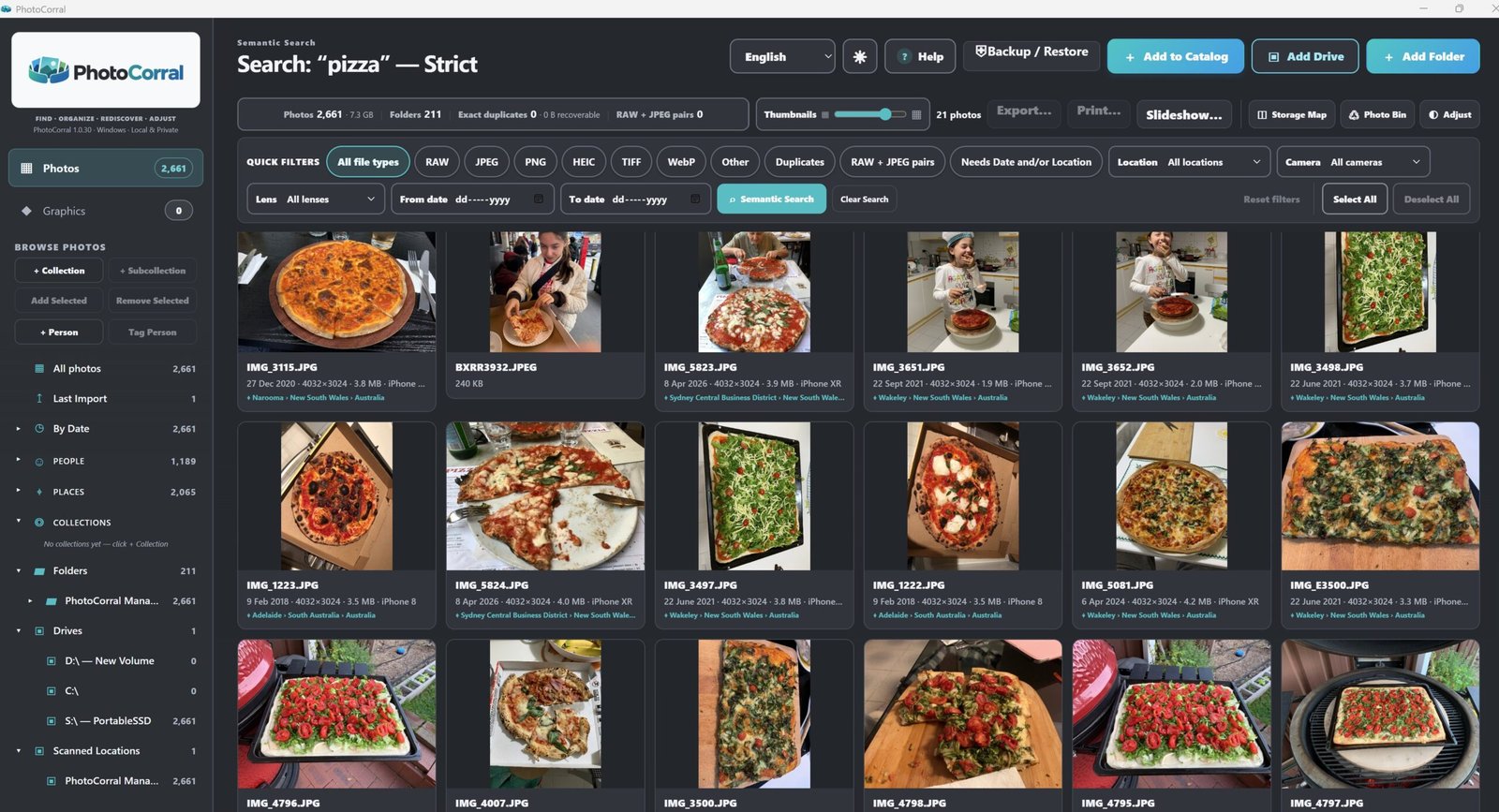
Search for the kind of photograph you remember without needing a filename.
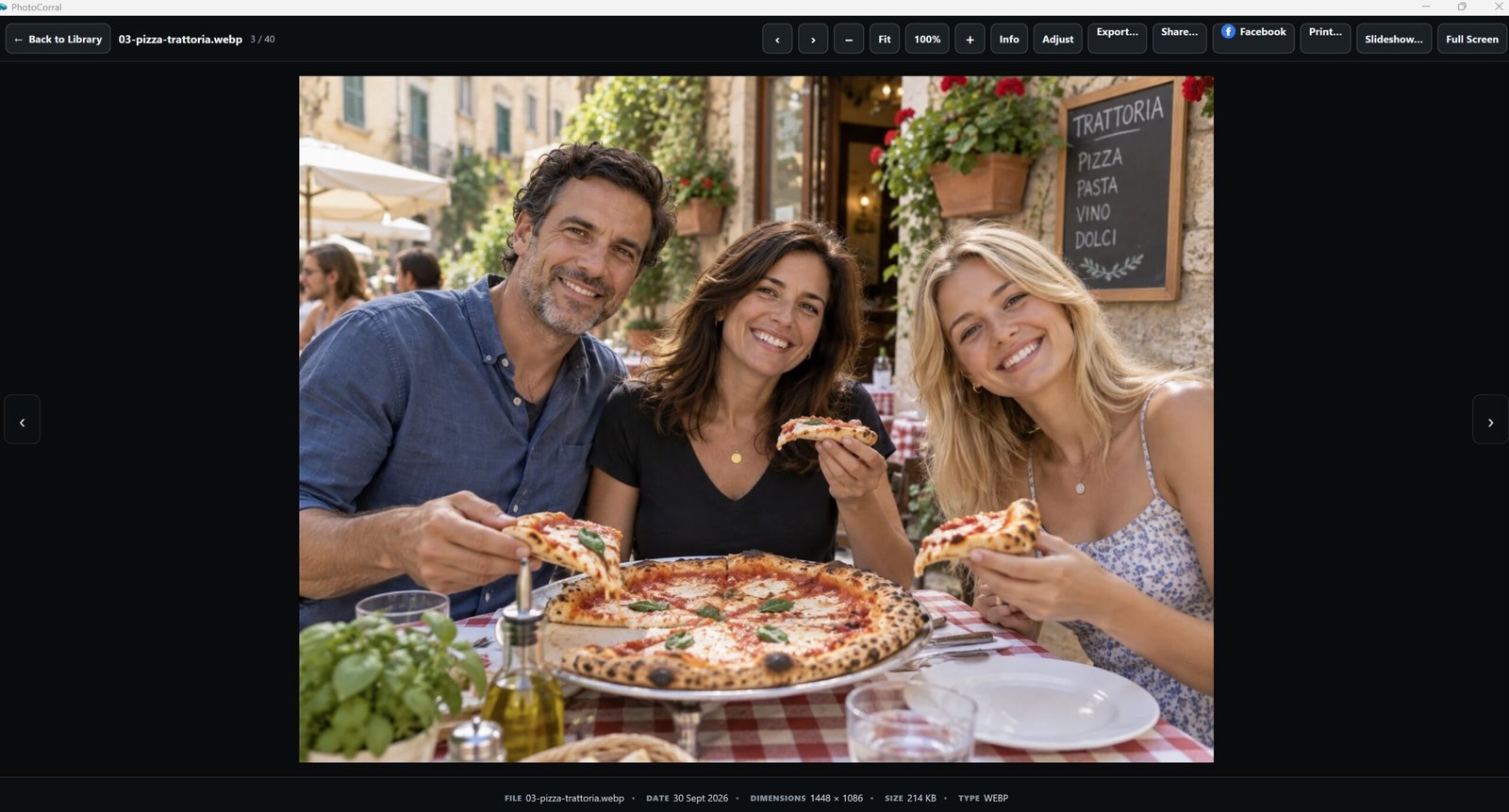
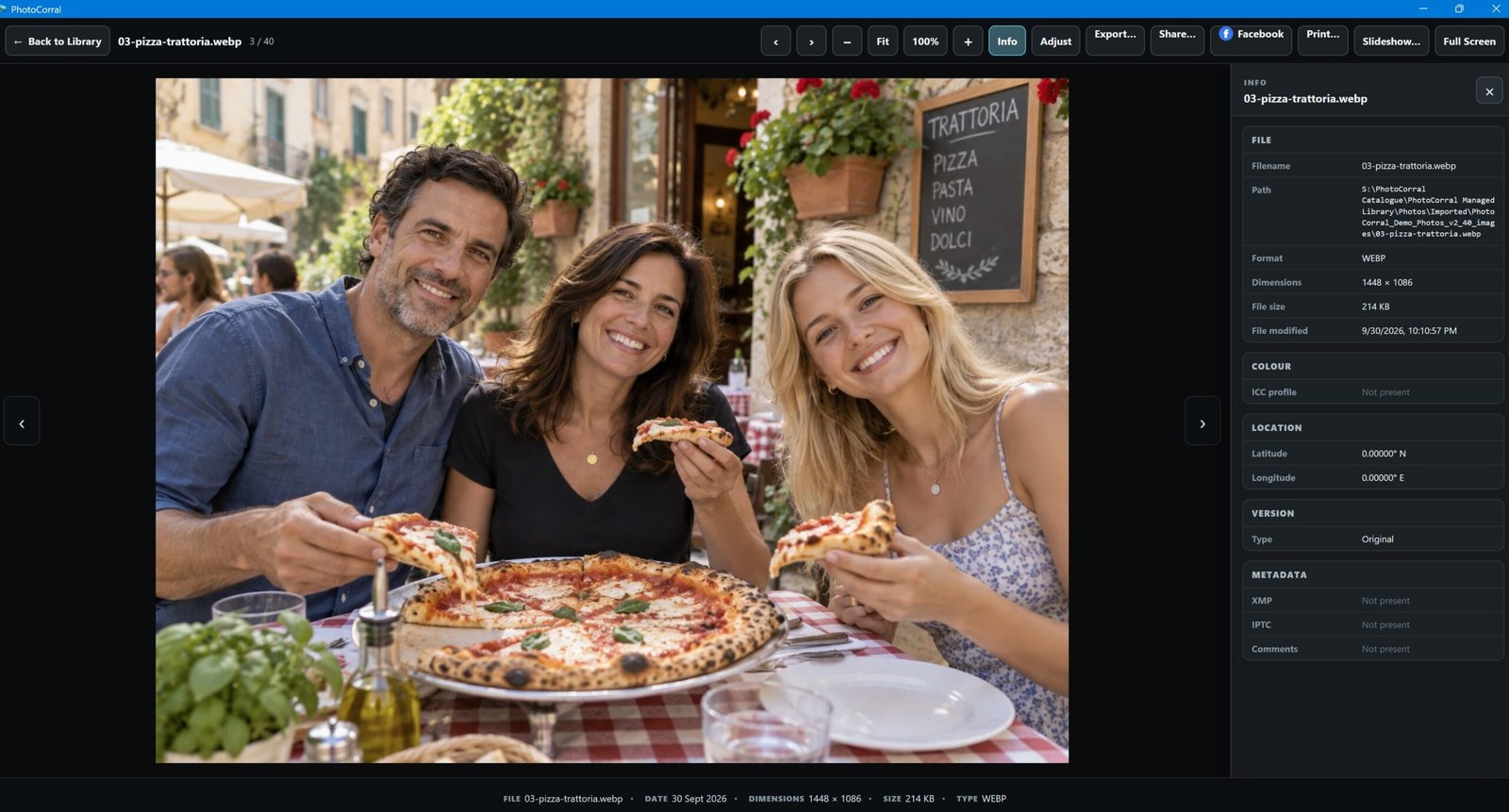
Open it large in the Viewer. Check the information behind it. Adjust the image when you want to. Then export, print, share or turn selected photographs into a presentation without leaving the PhotoCorral workflow.
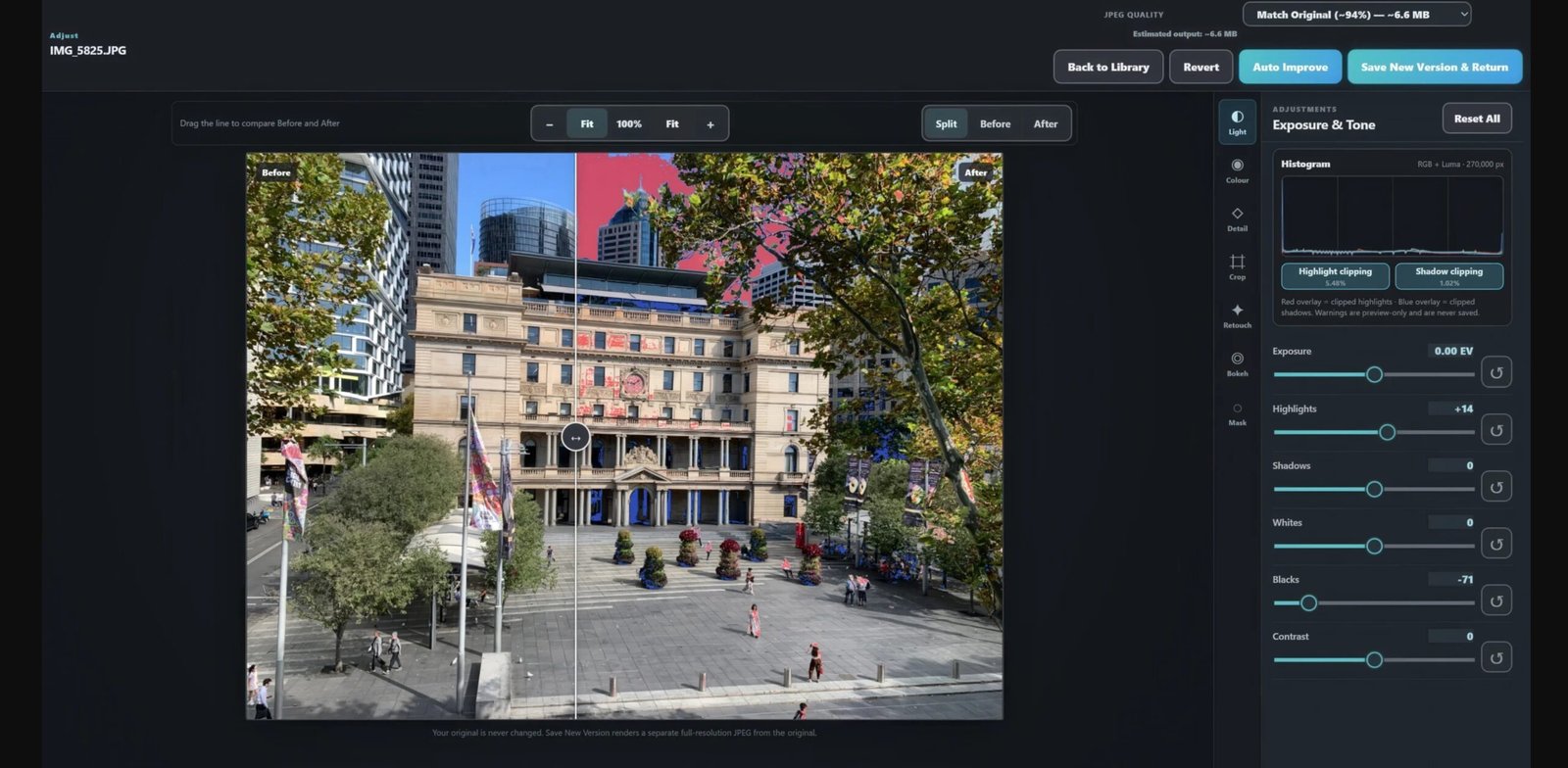
Work with light, colour and detail, selective masks, retouching, bokeh and supported RAW development.
Export JPEG, PNG, TIFF or WebP when you need the photograph outside PhotoCorral.
Prepare the image and continue to the normal Windows printing workflow.
Use selected photographs outside the catalogue without hunting through folders again.
Build a full-screen slideshow or carousel from the photographs you choose.
PhotoCorral is a Windows desktop photo library designed to keep your catalogue, organisation and photo workflows close to you — with local processing, practical backup tools and help when you need it.
PhotoCorral works with a local catalogue and performs its core photo-management, People and Semantic Search processing on your PC. You do not need to turn your personal photo collection into a cloud library.
PhotoCorral is a Windows desktop application — not a browser-based cloud photo service.
PhotoCorral can back up and restore its catalogue so the organisation you have built is easier to protect and recover.
The PhotoCorral 1.0.30 User's Guide walks through the catalogue, imports, People, Places, search, Viewer, Adjust, backup, iPhone importing, export and the other important workflows.
HEIC/HEIF files depend on the appropriate codec support being available in Windows.
The iPhone may need to be unlocked and trusted before Windows can provide access.
PhotoCorral's organisation and editing workflows are designed around preserving your source originals.
PhotoCorral is straightforward about what it is, where it runs, how it handles your photo library and what you need to use it.

Bring scattered photographs into one catalogue, find them by people, place, date or subject, then view, adjust, export, print, share and present them from one Windows application.
